A free program for Android, by Sony Entertainment Network.
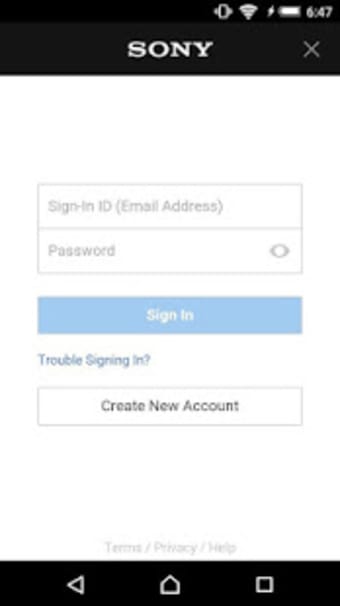
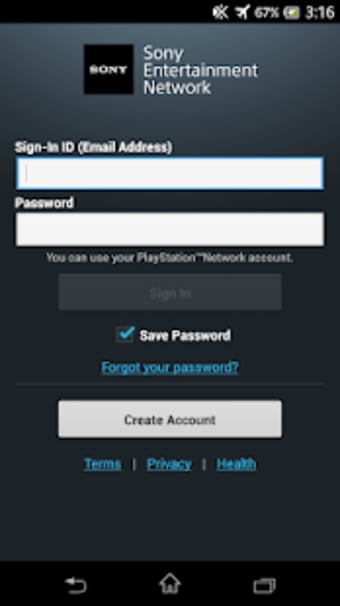
You can use Account Manager to share a single Sony Entertainment Network account across all applications on your device that require one. After you've linked your account, you'll be able to sign in to any supported app without having to enter your account information again. If you already have a PlayStation™ Network or Qriocity account, you can use it as a Sony Entertainment Network account.
Ways to link your Sony Entertainment Network account:
- by logging into one of the applications that are supported
- by navigating to your Android device's [Settings] > [Accounts] menu, and then selecting [Add an Account].
-icon.png)













.png)